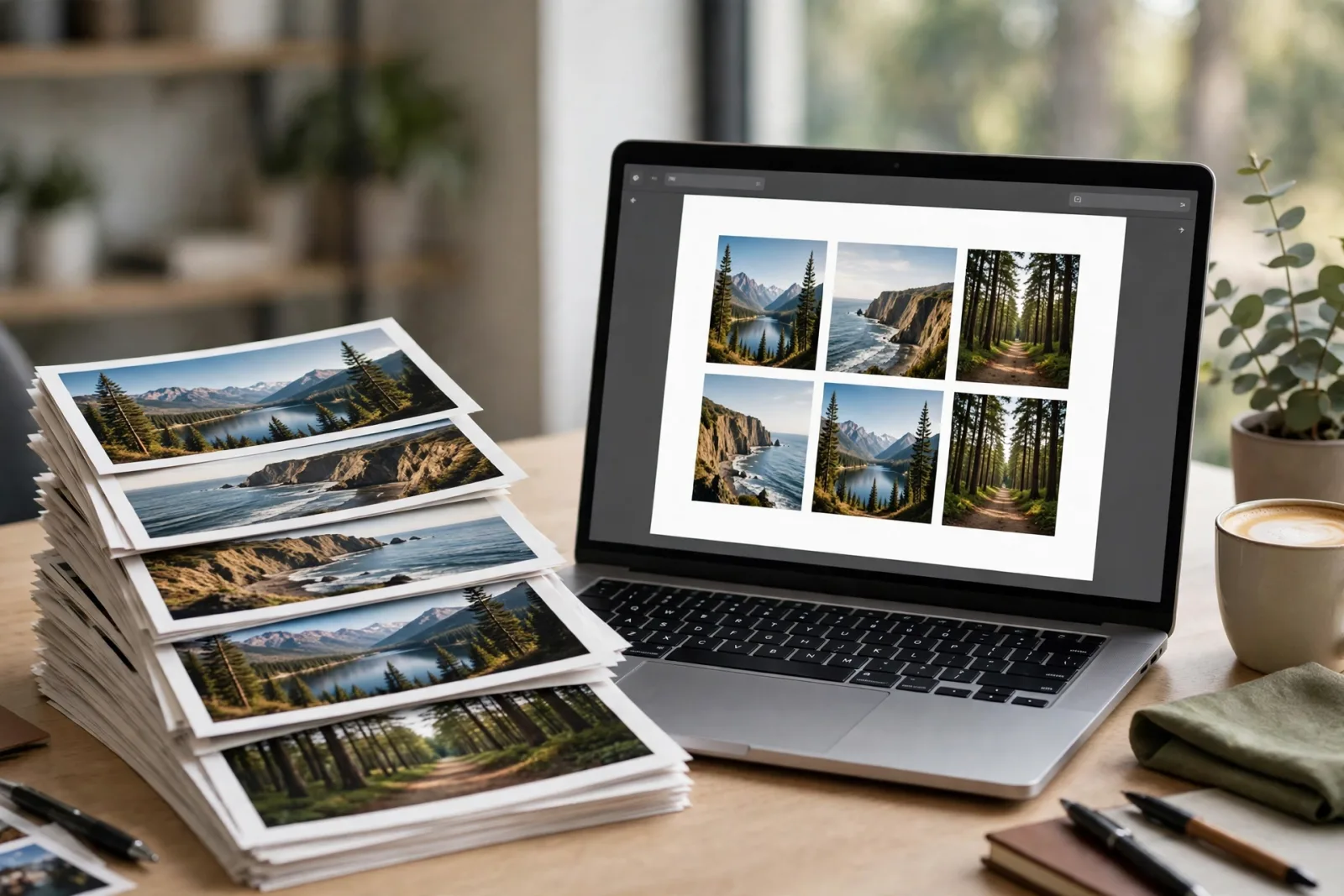
You have photos of a form, a receipt, or handwritten notes, and someone asks for a PDF, not a folder of images. You convert them quickly, and the PDF comes out blurry, cut off at the edges, or in the wrong order. That is because most converters shrink your images by default, or put each image on a different sized page. This guide shows you how to convert JPG to PDF the right way, with sharp images, correct page size, and pages in the order you want.
The 2-minute test
Before you convert, decide three things. First, is this for printing or for sharing on a phone? Printing needs A4 or Letter size and higher resolution, sharing on a phone can use smaller pages. Second, are there multiple images that must stay in order, like pages of a document? Third, do the images have text that must stay readable, like a receipt or a form? If the answer to the third question is yes, do not let the converter compress below the original resolution, that is where text turns blurry.
Step 1 Prepare your images in order
Rename or sort your images in the order they should appear, page 1, page 2, page 3, and check each one. Rotate any sideways image before converting, because fixing rotation inside a PDF is harder. Real example: a 5-page handwritten note converted out of order had to be redone completely, while sorting the files first took 2 minutes and saved the whole job.
Step 2 Choose page size and keep resolution
In your converter, set page size to A4 for documents you may print, or keep the image size if the PDF is only for viewing on screen. Set quality to high or original, not low or medium, if text must stay readable. If the tool offers compression, turn it off for documents with small text, and on only for photos you just want to share quickly. A 12 megapixel phone photo at original quality stays sharp on A4, the same photo at low quality looks soft when zoomed.
Step 3 Combine, check, and share
Add all images in order, convert, then open the PDF and check every page: is any image cut off, rotated wrong, or blurry when zoomed to 100 percent? If one page is wrong, fix that image and convert again, do not send a PDF you have not checked. Check the file size too, if a 5-page PDF is over 20 MB, it may be hard to email, in that case compress only the photo pages, not the text pages.
What NOT to do
Do not screenshot a JPG and save it as a PDF, screenshots are lower resolution than the original photo and text will look blurry. Do not upload sensitive documents, like ID cards or bank statements, to a random converter site without checking its privacy policy, use an offline tool for sensitive files. Do not convert one image at a time and merge PDFs later if order matters, it is easy to mix up pages, convert in order in one go.
Quick recap
Blurry text in PDF, set quality to high or original, do not compress text pages.
Images cut off at edges, set A4 for print, or keep image size for screen viewing.
Pages in wrong order, sort and rename files page 1, page 2, page 3 first.
File too large to email, compress photo pages only, keep text pages at high quality.
FAQ
Will converting JPG to PDF reduce quality? Only if the converter compresses the image, at high or original quality the image stays sharp.
Can I convert multiple JPGs into one PDF? Yes, most converters let you add images in order and make one PDF from all of them.
Is JPG to PDF conversion free? Yes, many free tools do it, including the tools on this site, check privacy before uploading sensitive documents.
How do I keep text readable? Use original resolution, A4 page size, and check the PDF at 100 percent zoom before sharing.
Related guides
Next, read the developer tools on this site, including the image and text tools, and the mobile fixes series for phone problems that come up while scanning documents.